Scratched Hard Drive Platter Recovery: Rescuing Over 75% Data from Severe Surface Scoring
November 21, 2026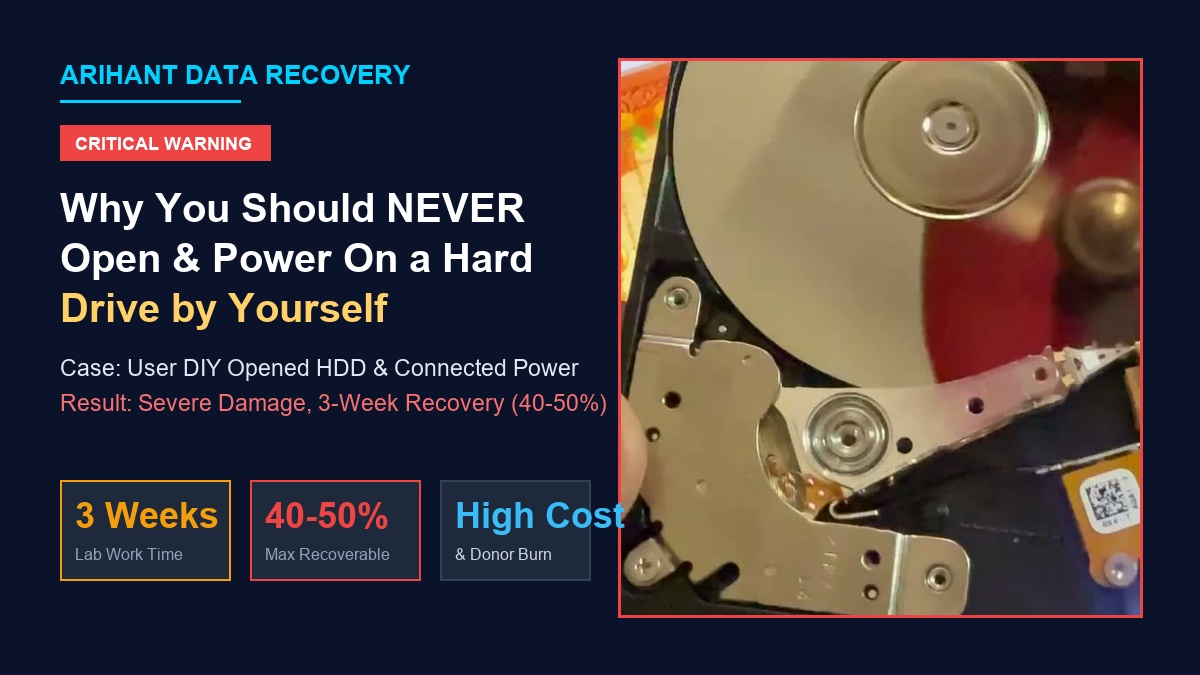
PARTIAL RECOVERY (40–50%)
When a hard drive suddenly stops being recognized, begins making strange clicking noises, or fails to open in Windows, curiosity and panic often lead users down a dangerous path: watching DIY YouTube tutorials and unscrewing the hard drive lid at home.
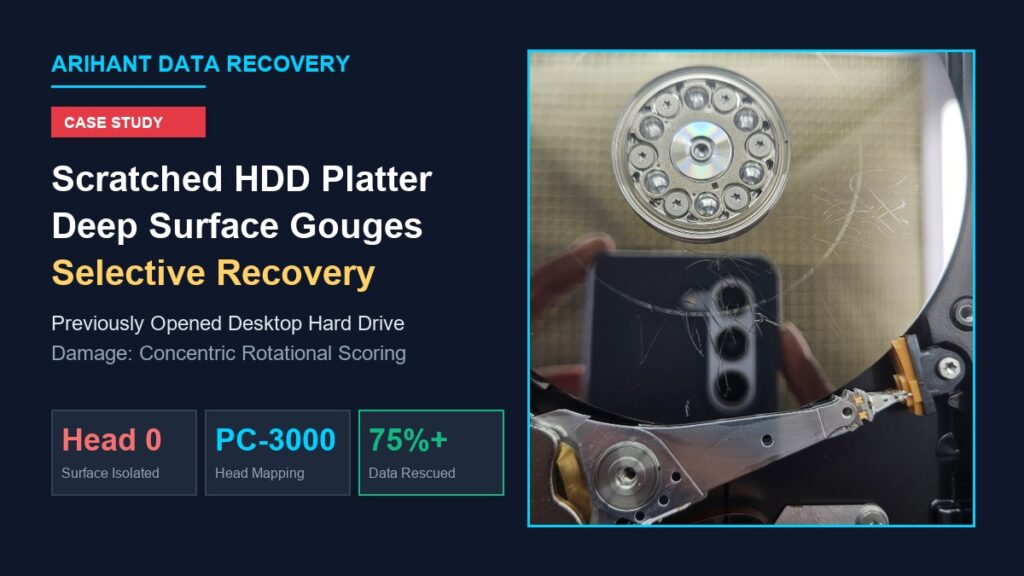
Recently, a client brought an external hard drive to our laboratory at Arihant Data Recovery. What started as a simple, highly recoverable firmware/bad-sector issue had escalated into a near-total data catastrophe. The user had unscrewed the metal top cover with a household Torx screwdriver and—even worse—plugged power into the opened hard drive to watch the magnetic platters spin.
If this hard drive had been brought to our lab untouched, it could have been recovered within 24 to 48 hours with a 95%+ recovery rate at standard cost. Because it was opened and powered on in an unsterile room, our senior engineers had to spend over 3 exhausting weeks performing intensive micro-soldering, multiple donor head swaps, and custom sector carving—only to recover 40% to 50% of the data at significantly higher expense.
What Happens Exactly When You Power On an Opened Hard Drive?
Many users assume a hard drive works like a record player where you can simply look inside and “nudge” the arm. In reality, modern hard disk drives are precision aerodynamic machines operating at microscopic tolerances:
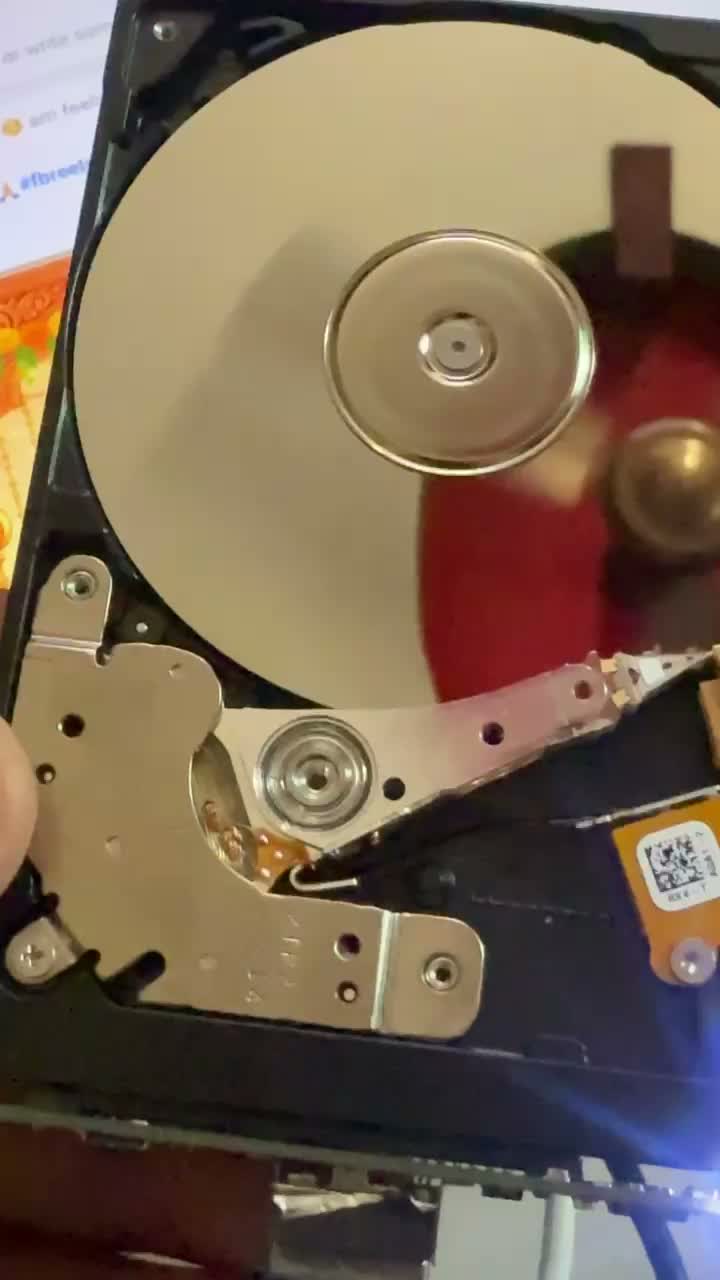
- The Aerodynamic Air Cushion Collapses: Read/write heads do not touch the platter. They fly on an aerodynamic cushion of air created by the spinning disk at a flying height of just 5 to 10 nanometers. Opening the lid breaks the internal pressure gradients and air filter currents designed by manufacturers.
- Dust Particles Act Like Boulders: A single speck of household dust is roughly 10,000 to 50,000 nanometers wide. Compared to the 5nm head flying height, a dust speck on a platter spinning at 7,200 RPM is like a car hitting a concrete boulder at 120 km/h.
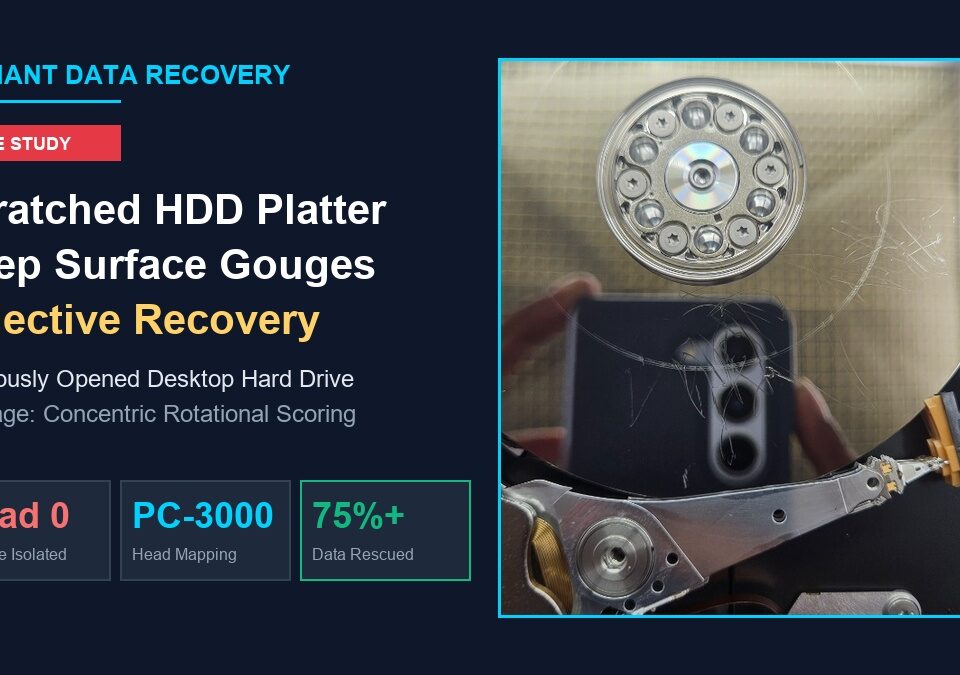
- Immediate Platter Scoring: When the user plugged in the power cable, the read heads made direct physical contact with the spinning disks. The heads snapped, dragging their sharp ceramic sliders violently across the magnetic coating and grinding away microscopic tracks where data files were stored.
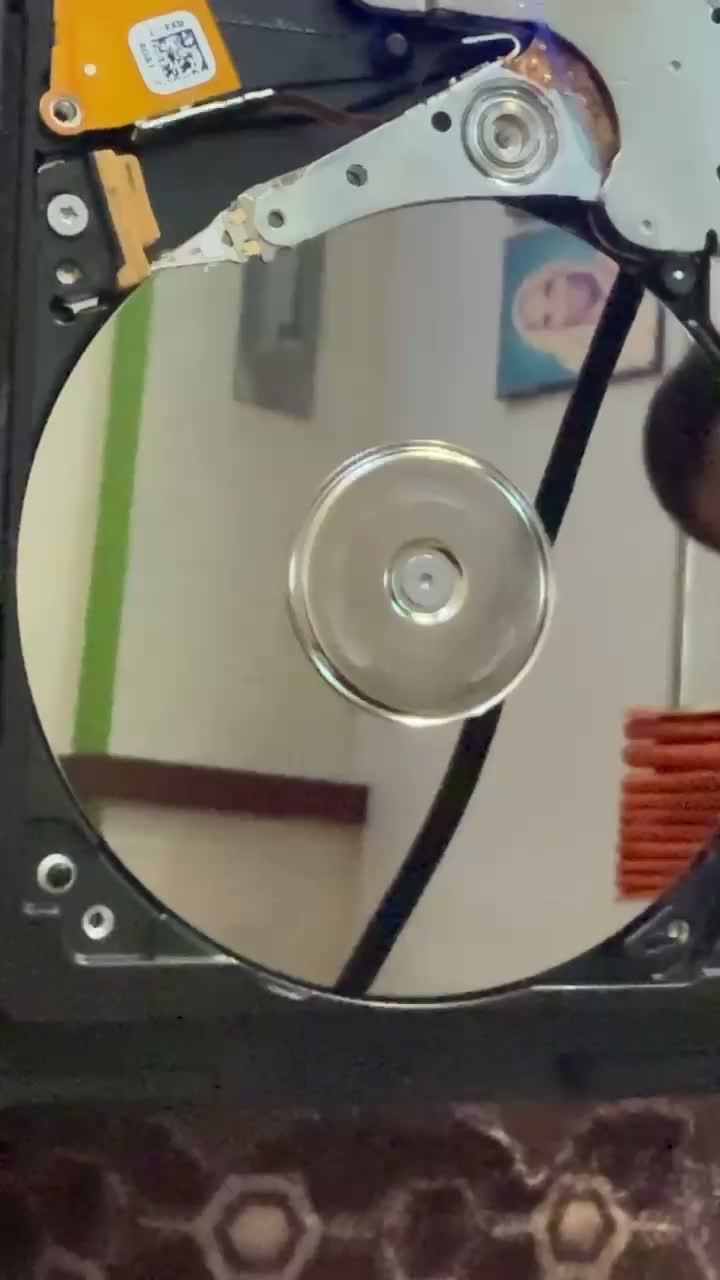
The 3-Week Laboratory Recovery Battle
Because the client desperately needed critical business contracts and proprietary financial databases, our team accepted the challenge inside our Class 100 Cleanroom environment:
Phase 1: Platter Decontamination & Burnishing
Before any replacement parts could be introduced, our engineers had to spend days microscopically cleaning the platters. Using non-contact solvent flushes and cleanroom swabs, we stripped away airborne fibers, fingerprints, and metallic debris generated by the head scrape.
Phase 2: Multiple Donor Head Sacrifices
On a severely scratched platter, donor heads don’t survive long. The microscopic ridges of a scratch act like razor blades. Our engineers had to calibrate and sacrifice multiple matching donor head assemblies, extracting small bursts of critical sectors before the donor heads degraded. Read more about our advanced scratched platter data recovery techniques.
Phase 3: Selective Micro-Reading with PC-3000
Using specialized hardware imagers (PC-3000), we bypassed the physically gouged cylinder zones, targeting surviving sectors on the lower platters and outer edges. Over 21 days of continuous bench monitoring, our team pieced together raw binary fragments, ultimately extracting between 40% and 50% of the customer’s vital files.
Cost, Time, and Success Comparison
Important Advice: What You Should Do Instead
If your hard drive is not working, remember these vital golden rules:
- Never open a hard drive cover at home or in an office: Cleanrooms filter air down to fewer than 100 particles per cubic foot. Normal room air contains over 1,000,000 particles per cubic foot.
- Never power on a clicking or opened drive: If you hear clicking, the drive’s firmware has already failed servo calibration. Keeping it powered on only accelerates platter scratching. Check our detailed guide on what hard drive clicking noises mean.
- Avoid DIY software on physically degraded drives: Running disk check utilities or data recovery software on a failing drive forces the read heads to cycle continuously over failing sectors, burning out the head coils. Review our steps on how to handle a dead hard drive safely.
- Consult certified cleanroom professionals first: Free evaluations and honest diagnostic reports protect your data from permanent loss. Discover why professional data recovery is always the safest investment.