
Scratched DVD Not Reading? Can Data Still Be Recovered?
September 25, 2026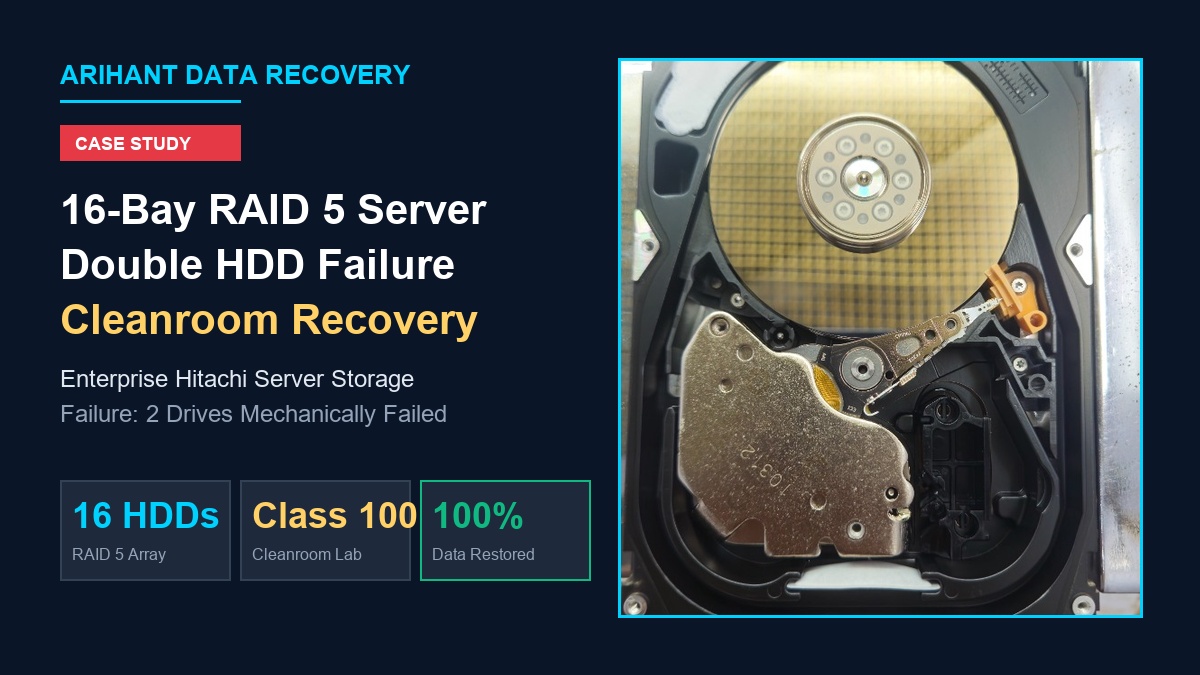
100% RECOVERY SUCCESS
In enterprise business environments, storage servers are the operational backbone of daily productivity. When a dedicated storage server hosting years of company records, active ERP databases, and shared project repositories suddenly drops offline, operations grind to a halt.
Recently at Arihant Data Recovery, our engineering lab received an urgent emergency case involving an enterprise-grade 16-drive RAID 5 storage array utilizing heavy-duty Hitachi enterprise hard drives. The legacy server crashed unexpectedly and refused to mount the storage pool. When the IT administrator checked the array diagnostics, they discovered a catastrophic situation: two member hard drives had failed simultaneously.
Why Two Drive Failures Kill a RAID 5 Array
A standard RAID 5 architecture distributes data and parity blocks across member drives, providing fault tolerance for exactly one drive failure. If one drive drops offline, the controller dynamically calculates missing data using parity blocks on the remaining functional disks, keeping the volume operational in a degraded state.
- Zero Fault Tolerance: Once a second drive fails, the parity algorithm breaks down. The array loses its mathematical reference points and cannot reconstruct the volume. Similar risks are discussed in our guide on what to do when multiple drives fail.
- Silent Degradation: In many enterprise scenarios, the first drive fails silently or without alerts days before. The second drive’s failure abruptly knocks the server offline.
- Critical Risk of Forced Rebuilds: When multiple drives fail, system administrators often attempt “Force Online” or automated rebuild commands. If the dropouts are caused by degraded mechanical heads or weak sectors, running an automated rebuild strains the remaining disks and frequently destroys the parity structure permanently. Read our checklist on handling RAID 5 failures after rebuilds.
Because this was a 16-drive enterprise array with two physically damaged disks, off-the-shelf software tools were completely ineffective. Physical cleanroom intervention was required.
Cleanroom Triage & Physical Inspection
Upon arrival at our laboratory, all 16 Hitachi hard drives were cataloged and numbered according to their physical bay positions (Slot 0 through Slot 15) while still mounted in their hot-swap server trays.
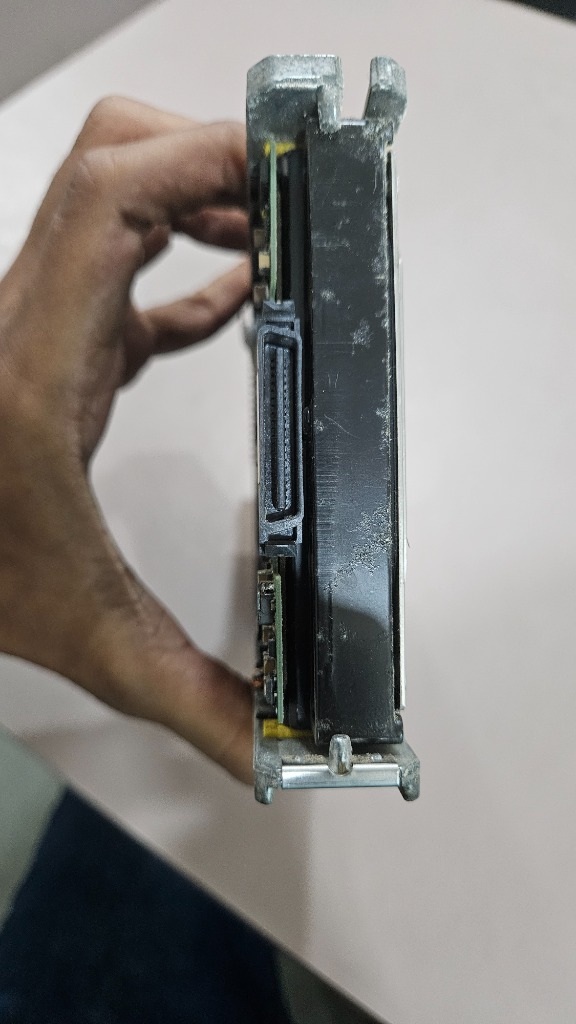
Individual hardware diagnostic scans revealed:
- 14 Member Drives: Detected and readable, though several exhibited heavy bad-sector fatigue.
- Drive A (Bay 4): Completely unreadable. Motor spun up briefly, emitted faint repetitive clicking, and spun down.
- Drive B (Bay 11): Unstable spindle rotation accompanied by mechanical head friction noise.
Both failed Hitachi drives were immediately transferred to our Class 100 Cleanroom environment for safe teardown and internal examination.
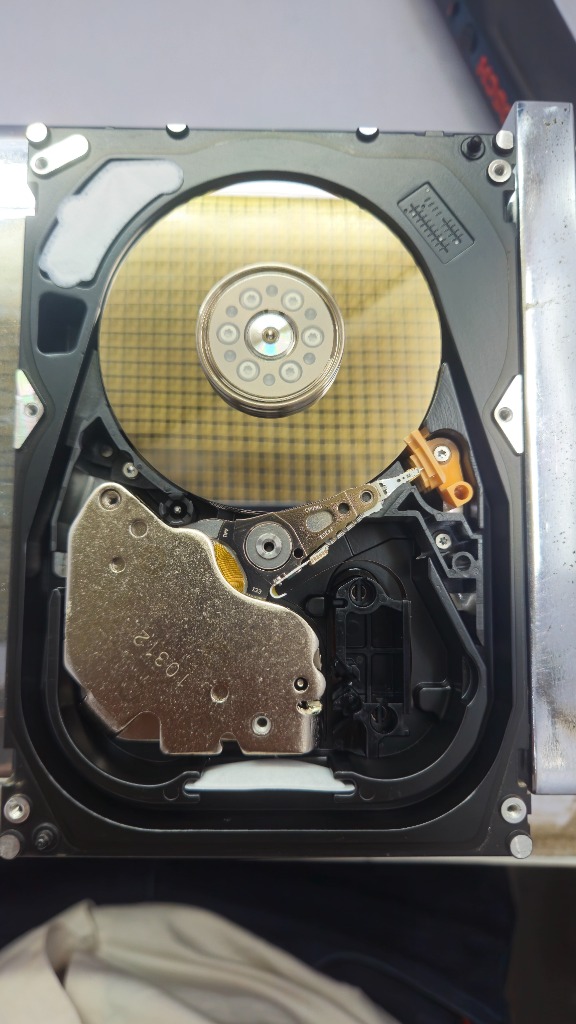
Never open a hard drive outside an ISO-certified cleanroom! Microscopic airborne dust particles land on platters spinning at 7,200+ RPM, causing catastrophic scratch damage that leads to irreversible data loss.
Microscopic examination confirmed that while magnetic platter surfaces were intact, both Hitachi drives had suffered mechanical head crashes: the slider suspensions were bent and the micro-coils were dead, requiring a donor head assembly swap.
The Restoration Workflow: From Cleanroom to Virtual RAID
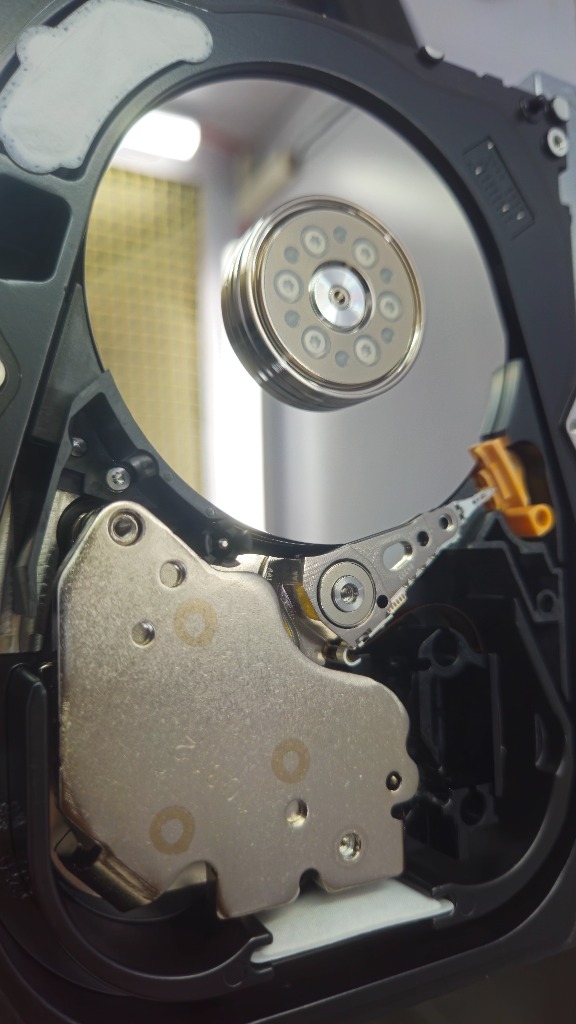
1. Hitachi Donor Matching and Head Assembly Replacement
For both failed drives, exact donor matches were sourced from our parts inventory. In professional enterprise Hitachi drive recovery, donor selection requires exact matches on base model, head map configuration, microcode, preamp revision, and firmware architecture.
Using specialized head combs inside our laminar flow workstation, our engineers safely unseated the damaged head stacks without allowing sliders to touch each other or scratch platter surfaces. The new donor assemblies were seated, aligned, and calibrated.
2. Hardware-Level Bit-Stream Sector Imaging
With mechanical stability restored, we connected the drives to specialized hardware recovery imagers (PC-3000). To avoid placing undue stress on the freshly installed heads, we never mount filesystems directly.
Instead, we performed raw sector-by-sector binary cloning. The hardware imager bypassed standard operating system timeouts, intelligently prioritizing healthy zones first and then carefully extracting weak sectors. Both mechanically damaged drives were imaged with greater than 99.5% clean sector coverage.
3. Hexadecimal Analysis & Virtual RAID Reassembly
With verified binary clones of all 16 member drives, we proceeded to virtual array reconstruction on our hex-analysis workstations:
- Stripe / Block Size: Analyzing file headers (MFT, database markers, and partition tables) established the stripe size at 64 KB.
- Drive Order & Parity Distribution: By comparing sector sequences across all 16 images, our engineers mapped the drive rotation and parity distribution algorithm (Left Asynchronous).
- Stale Parity Filtering: We identified which of the two failed drives dropped out first, preventing outdated data from contaminating the reconstructed volume.
4. Volume Mount & Data Integrity Verification
Once the virtual array parameters aligned, the entire file system mounted cleanly. Comprehensive checksum and integrity tests on core SQL database files, accounting records, and virtual machine containers confirmed that the data was intact and uncorrupted.
Case Summary & Technical Results
Important Takeaways for System Administrators
If your enterprise server, NAS, or SAN storage crashes with multiple disk failures:
- Power Down Immediately: Continuing to run or reboot the array stresses degraded heads and can turn a recoverable head swap into permanent platter scratch damage.
- Label Every Drive Slot: Before pulling drives out of hot-swap caddies, label each drive with its exact physical bay slot (Bay 0 through Bay 15). Preserving slot order drastically speeds up virtual array reconstruction.
- Never Force an Automated Rebuild: Forcing a degraded or failing drive online will overwrite valid data blocks with corrupted parity.
- Choose Cleanroom Recovery: Mechanical drive failures cannot be solved with downloadable software utilities. Direct hardware-level imaging in a certified cleanroom offers the only safe path to full recovery. Learn more in our article on why professional data recovery is essential.